Vista’s User Account Control (UAC) elevation prompt sometimes appears when it shouldn’t. Here is an example which works every time for me. I have a folder in Documents (within my home directory) called recordings, containing MP3 files. I double-click one of these files and it opens in Windows Media Player. Now let’s say I try to rename the recordings folder. I get a dialog saying I need to confirm this operation, complete with a UAC shield.
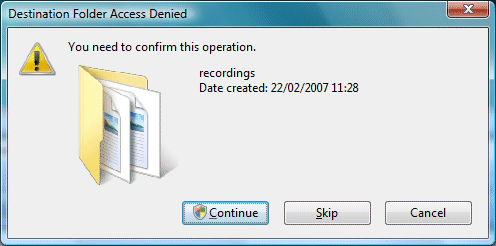
I click Continue and get the screen flash and the elvation prompt. It’s not enough though; I now get a dialog that says “Destination Folder Access Denied – You need permission to perform this action.” If I click Try Again, I get the same dialog, for ever.
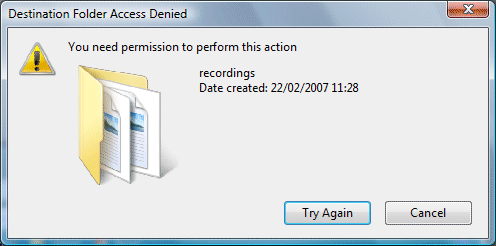
It’s nonsense of course. I don’t need permission; I need to close the MP3 file. Indeed, if I close the file I can then rename the folder.
Oddly, if I try this with a Word document, Vista correctly reports that the folder in in use by Word. But if I try a second time, I get the inappropriate UAC prompt.
It’s possible that some Windows API call is returning an access denied error, when it should indicate a file or folder in use by another process, or there could be some other explanation. The end result is a poor user experience.
If Microsoft can’t always get this right, it illustrates how hard it is for developers to give users appropriate error messages when working with UAC on Vista.