In the back of my mind I knew that this blog looked terrible on a mobile, but I did nothing about it until @monkchips complained that it was unreadable on his HTC Magic, which runs Google Android 1.6.
I don’t have an Android device, but I grabbed the SDK, ran up the emulator, and had a look. The page took ages to load, and did not work properly even when fully loaded.
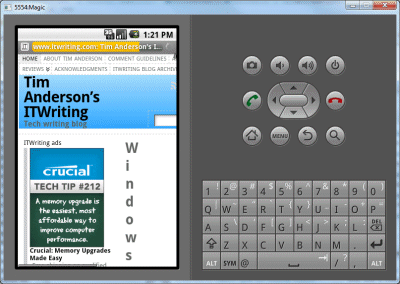
I figured “there’s a plugin for that”, and there is – several in fact. I settled on the WordPress Mobile Pack. Installed, configured, and a short time later was up and running.
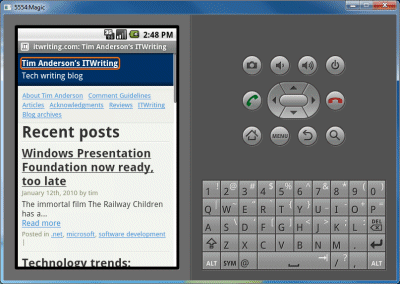
I had a few hassles, mainly because most of my wordpress installation is not writeable by the web server, and this plugin needs to write themes on installation and temporary images after that, so I had to loosen permissions slightly. I then set the themes directory back to read-only, and configured the cache so that Apache will only serve images.
I still only get a score of Fair (2 fails) from the MobiReady report. Still, progress. I am ahead of bbc.co.uk which gets Bad (10 fails); but behind microsoft.com which rates Good (0 fails).
The plugin also tells me that 5% of the traffic to this site is from mobile users. More than I had expected.
Beep beep.