Following a power outage, all my Windows servers (hosted on a single Hyper-V server) rebooted. They are configured to come back up, but I found that Remote Desktop was not working to many of them, including the domain controller.
I found a workaround using the Hyper-V manager on one server to which I could connect; this lets you connect via a different route.
Today I focused on what was causing the issue. Microsoft has quite a reasonable troubleshooting guide here which pointed me in the right direction: on the Mac I use for day to day work, for example, port 3389 was blocked on the target server. In the Windows firewall this port was open for private and domain profiles, but not for the public profile, which is what one would expect.
Microsoft’s guide says to enable port 3389 on all profiles but that seems wrong to me. Likely OK for a server, but not for a laptop, for example. And why would it matter?
The answer was that even on the domain controller, the local network was set to the public profile.
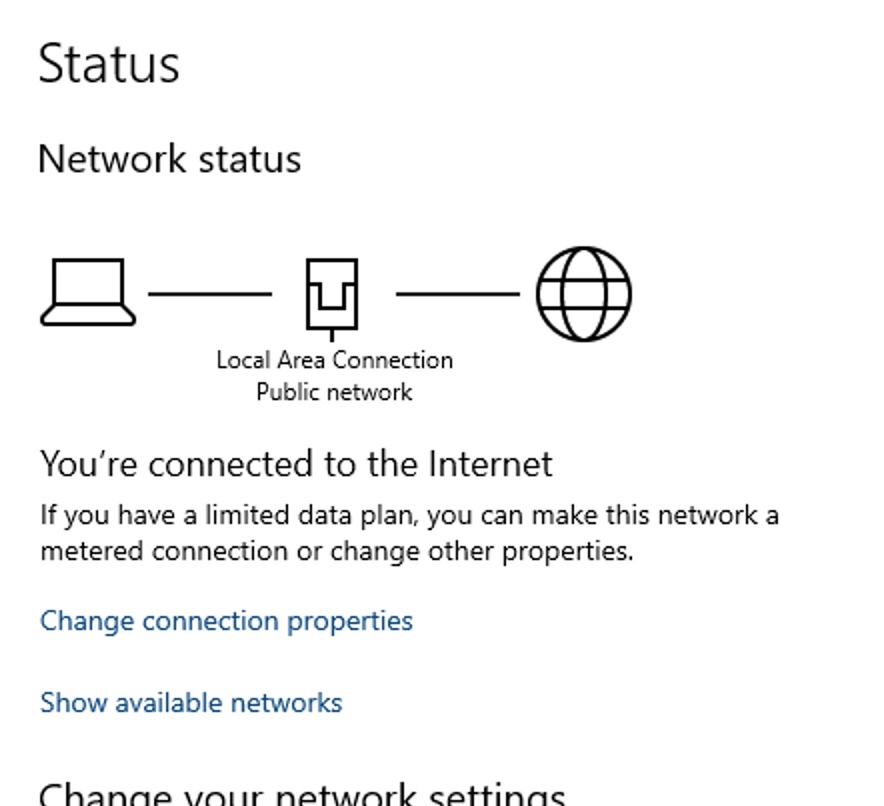
Oddly, as I explored the network settings, this changed by itself to the domain profile, and Remote Desktop started working again.
There is a detailed post here on the intricacies of network profiles and why they can go wrong. It is potentially quite a tricky problem since of course you need access to the server in order to fix it, and if your setup is like mine, the servers do not have keyboards or screens attached.