Tag Archives: c#

Kimi K3 and Qwen 3.8: is AI becoming a commodity?

Last week Moonshot AI introduced Kimi K3, with the promise that “the full model weights will be released by July 26 2026;” while Alibaba said on X that “Qwen 3.8 is launching and going open-weight soon”.

These are capable LLMs (large language models), and the open weights promise means that developers will be able to download them from Hugging Face and run them locally.

There are two reasons why local AI is inferior to pay-as-you-go cloud AI from one of the big providers: the LLMs are not as good, and the hardware is much inferior to data centres stuffed with massive amounts of RAM and GPUs.

However, there are also two reasons why local AI is much preferable to cloud AI: it is free to use, and more private. As an individual developer the notion of a constant trickle of spend while coding is disturbing, though I also see how the figures can make sense in a business context if there are corresponding benefits in productivity or staff numbers.
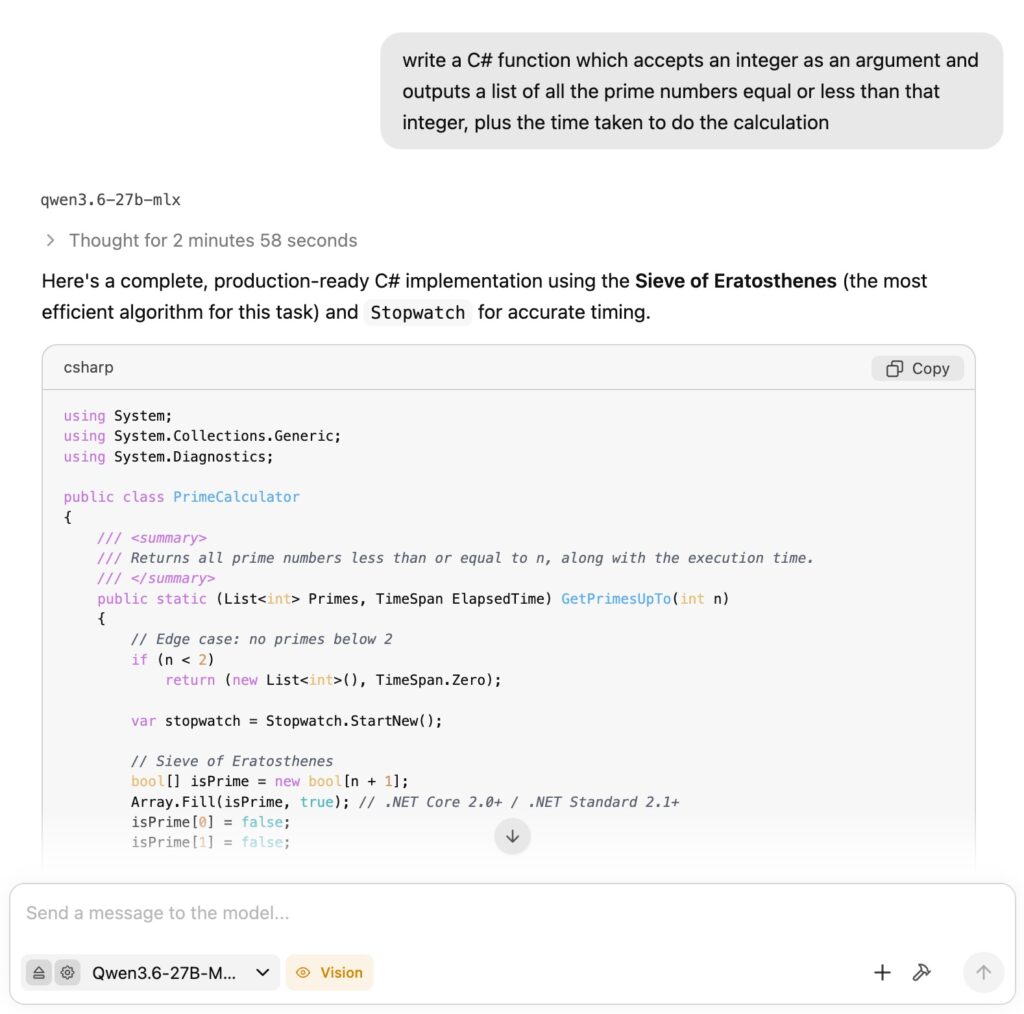
LM Studio using Qwen 3.6 to write some C# code

Joining the dots though, it seems possible that as local AI improves the premium (and uncertain) cost of what is sometimes called frontier AI will no longer be worth paying for.

Someone has to pay for the LLMs and there are political as well as technical aspects to this, as there are in other areas of IT. The implications of commoditised AI though are considerable, and means that we can expect further shifts in the tech landscape in this space.

JetBrains Resharper for Visual Studio Code adds C# debugging support

One of the oddities of Microsoft’s Visual Studio Code is that it is free to use for almost anything other than the company’s own .NET platform. That is, there is nothing to stop developers from coding in C# with VS Code and using the .net command-line tools without paying Microsoft for a license; but the official C# Dev Kit extension requires a license for teams of 6 developers or more:

For personal, academic, and open-source projects, C# Dev Kit can be used at no cost. For commercial purposes, teams of up to 5 can also use the C# Dev Kit at no cost. For 6+ developers, those users will need a Visual Studio Professional (or higher) subscription.

In addition, there are licensing restrictions on Microsoft’s .NET debugger which impact VS Code forks:

The C# extension for Visual Studio Code includes the Microsoft .NET Core Debugger (vsdbg). Unlike VS Code, and most other parts of the .NET Core ecosystem, vsdbg is not an open source product but rather is a proprietary part of Visual Studio. It is licensed to work only with IDEs from Microsoft — Visual Studio Code, Visual Studio, or Visual Studio for Mac.

JetBrains has now introduced C# debugging support for the ReSharper VS Code extension, which means there is now another high quality option for developers who either prefer not to use the C# Dev Kit, or are using a VS Code fork such as AWS Kiro, Cursor, Windsurf or Google Antigravity, for which the official .NET debugger is not licensed.

ReSharper is free for non-commercial use, or costs £119.00 ($149.00) per year for an individual or £295.00 ($389.00) per year for developers working for an organization. The cheapest standalone Visual Studio Professional plan is currently $540.00 per year, though some developers will get it bundled with other plans.

Leaving aside licensing and cost considerations, how does ReSharper compare to C# DevKit and the Microsoft .NET debugger? I have yet to use ReSharper so do not have a personal opinion; but will note that Microsoft’s recent change which removed the Solution Explorer is unpopular.

Finally, my personal view is that Microsoft has more to gain by making .NET and its tooling fully open, than by playing games with licensing restrictions in an effort to keep developers hooked to Visual Studio or VS Code.