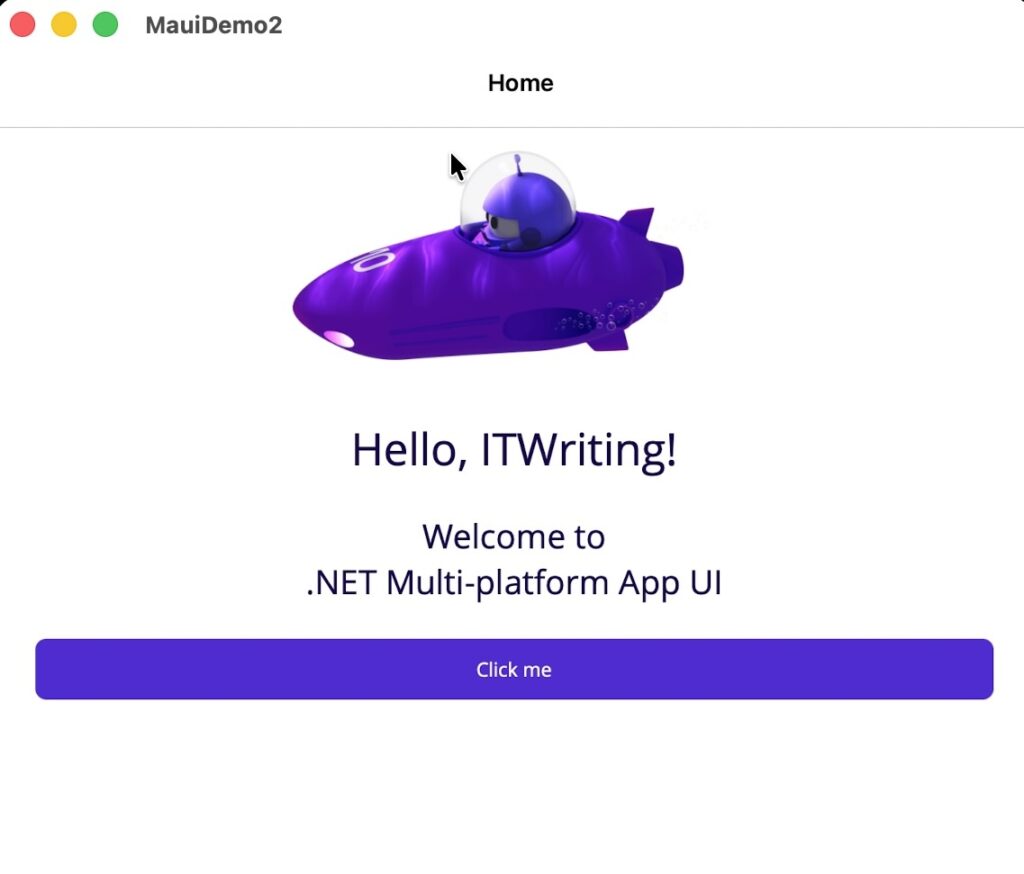
I am evaluating Microsoft’s MAUI (Multi-platform app UI) for use on a cross-platform project. I mainly develop on a Mac with Visual Studio Code.
Setup for MAUI development is well explained here though getting everything in place for Mac Catalyst, iOS and Android is tedious. There is a tricky issue related to Apple’s Xcode, needed for MAUI for the Apple targets. Apple’s recommendation is that you install Xcode from the App Store. As you would expect, it updates quite frequently and always when there is a new version of macOS. The version on my machine is therefore 26.6. After installing MAUI for .NET 10 I got an error when trying to build, stating that I had the wrong version (mine was too new).
The workaround for this is either to install multiple versions of Xcode, which is fiddly, or to set ValidateXcodeVersion to false in the .csproj project file.
As it turns out, there is another fix. The .NET for iOS SDK (used by MAUI) was updated last month to require Xcode 26.6. Note: require, not support. Each version of the SDK requires one and only one version of Xcode, and there is a lag between Apple releasing a new version, and Microsoft updating its SDKs.
My instinct is to set ValidateXcodeVersion false during development and to watch out for strange errors that might be fixed for a production build, using the correct Xcode version.
Microsoft’s MAUI SDK engineering lead said:
Updates can include different things that amount to varying levels of work. Sometimes there’s api changes in the SDKs Xcode ships that we need to account for, sometimes they change Cli tools or break things in other ways. Depending on the changes it can be a little bit of work or a lot.
Lately minor version updates to Xcode tend to be somewhat compatible with existing MAUI (Mac/ios) workloads and you can technically force trying to use it with the right build settings, but we generally advise not installing Xcode from the App Store so that it isn’t silently updated and you can install updates when you know they’ll be supported by MAUI instead.
This is friction, though it comes with the cross-platform territory. Note that Apple insists on building with the latest Xcode for store submission.
With that out of the say, I started building an experimental app. This is not Windows and conceptually one should think of the app UI as a single page, mobile app style, even if developing for Windows and Mac Catalyst. I decided to use a Tab Bar for navigation, but ran into an issue: when debugging the app for Mac Catalyst, the Tab Bar did not appear.
I thought this was something I was doing wrong, even though it was a simple and basic case. Then after digging a bit I discovered that it was a bug, that I was not the first to hit it, and that it was fixed with a workaround late last year.
The solution is to run: dotnet workload update from the command line to get the latest version.
Both issues are a reminder of how tricksy cross-platform development can be, particularly for frameworks like MAUI which use native widgets rather then drawing them from scratch like Flutter or Avalonia UI.
The solution, it seems to me, is to keep the user interface simple.